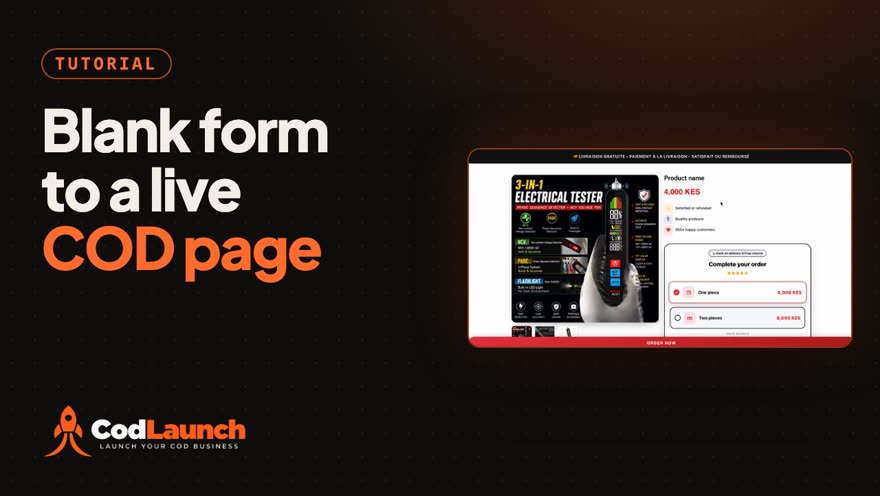
 1:34
Create a COD Product From Scratch: One Form to a Live Page
Build a cash-on-delivery product page by hand, from a blank form to a live page shoppers can order from.
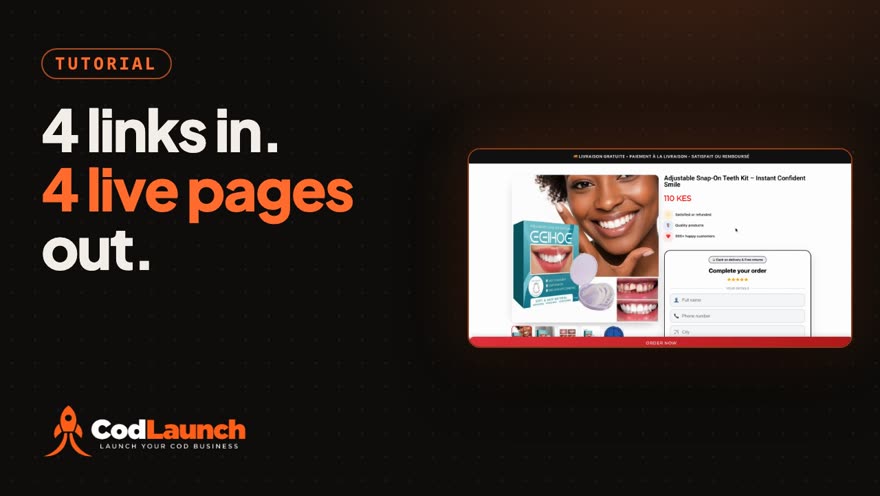 0:59
Import Products in Bulk: Supplier Links to Live COD Pages
Paste four supplier links and get four product pages you can sell from with cash on delivery, without retyping a thing.
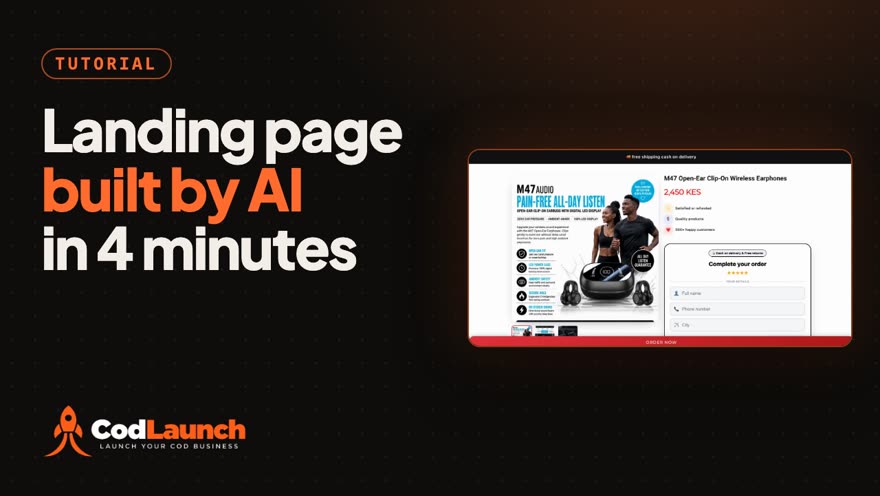 1:28
AI Builds Your Landing Page: A Full COD Page for $0.75
Paste a product link, add a photo, and the AI designs and draws a whole landing page: every section, its headline and its image.
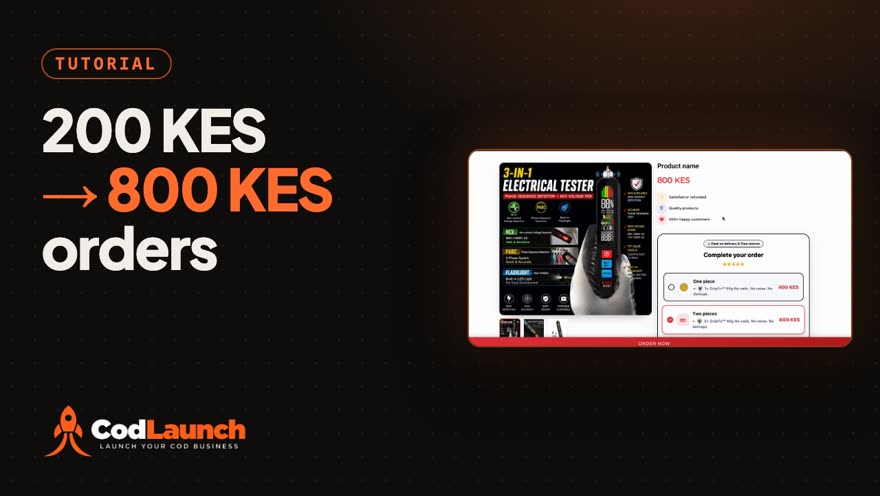 1:45
Quantity Offers and Bundles That Raise Your Average Order Value
Raise your average order value by giving shoppers bigger offers to pick from.
 0:52
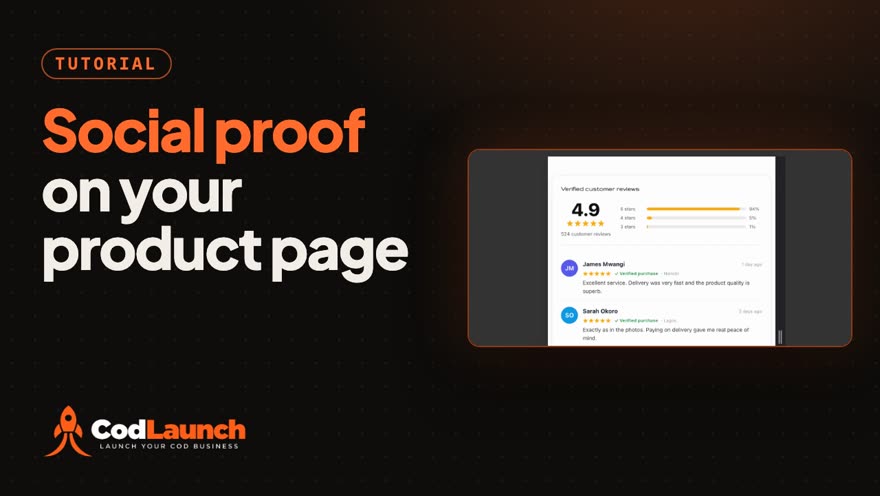
Social-Proof Reviews on Your Product Pages: On by Default
Every CodLaunch product page can show a customer reviews section, with a star rating, the breakdown by stars and each customer's comment, and it is switched on by default.
 0:54
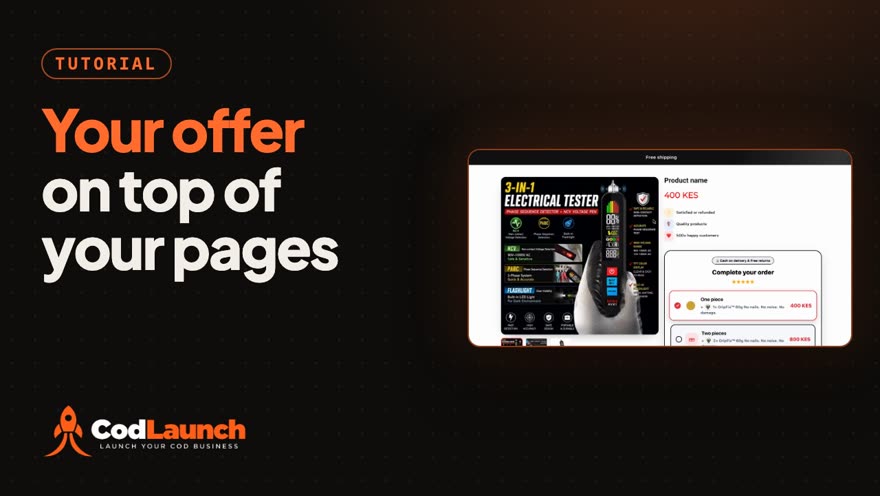
Announcement Bar: Store-Wide or Per Product
Put one line on top of your product pages, like free shipping or cash on delivery, and give a single product its own line when it needs one.
 1:03
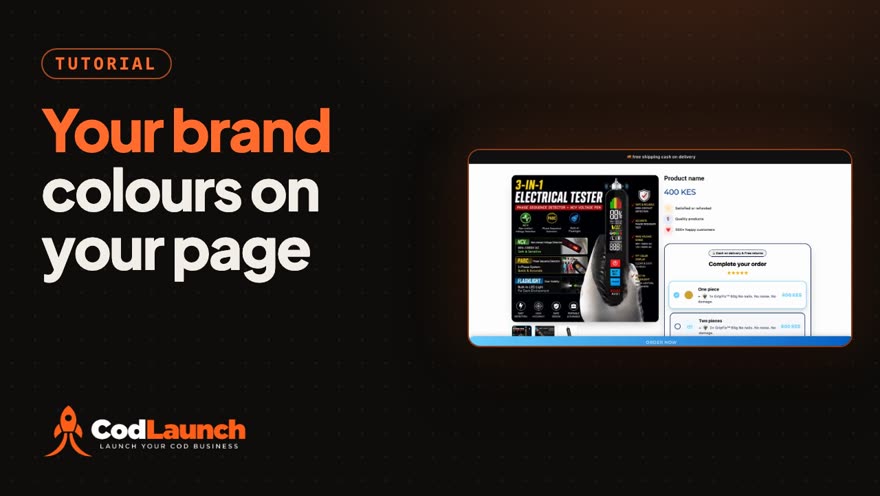
Make a Theme in Your Brand Colours: Colour Your COD Product Page
Make your cash-on-delivery product page look like your brand.
 1:06
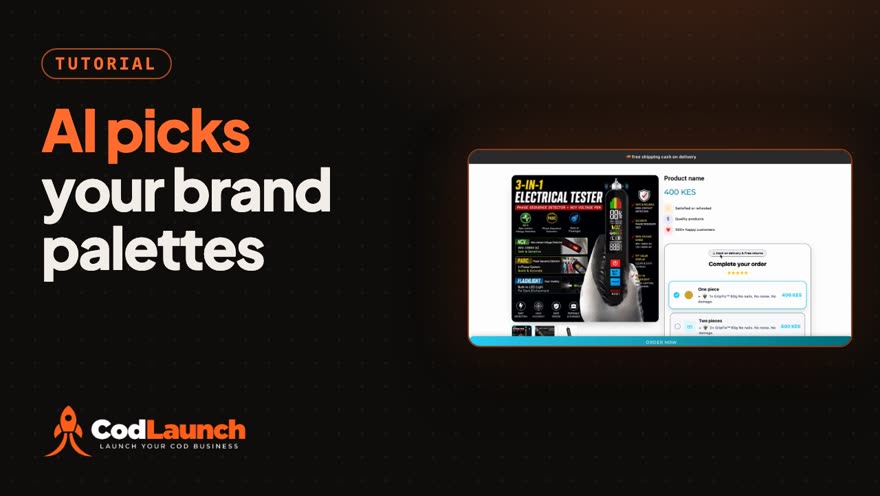
AI Picks Your Brand Palettes
Give CodLaunch your brand colour and AI proposes complete store palettes around it: buttons, prices, badges, stars, text and backgrounds.
 1:08
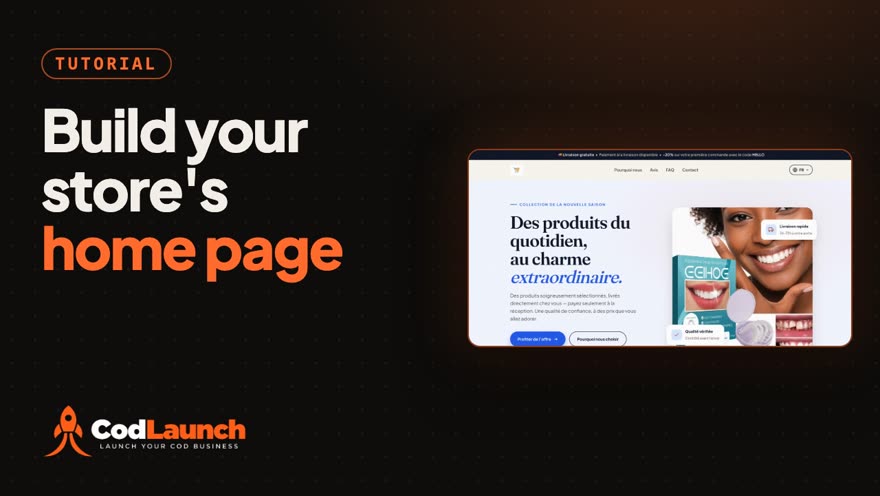
Your COD Store's Home Page: Logo, Hero, Colours and Products
Give your cash-on-delivery store a real home page without building one by hand.
 1:16
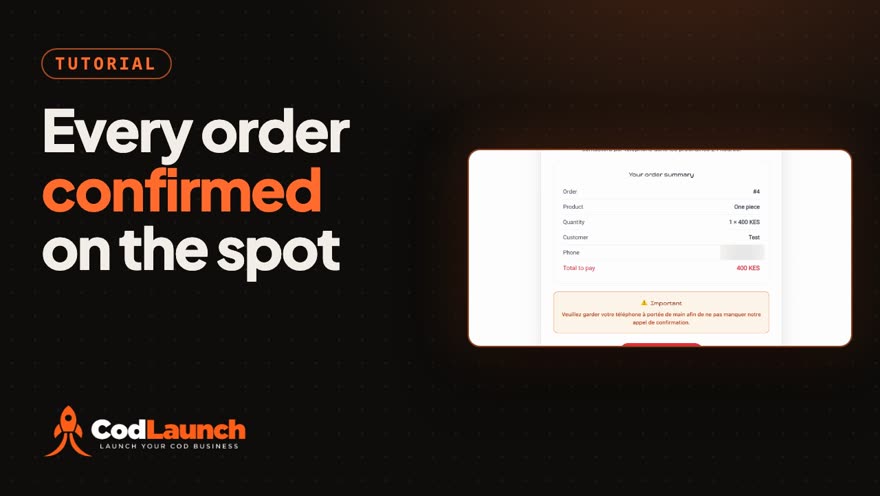
A Thank-You Page That Confirms the Order
Give every cash-on-delivery shopper a thank-you page that shows the order they just placed and asks them to keep their phone close for your confirmation call.
 1:11
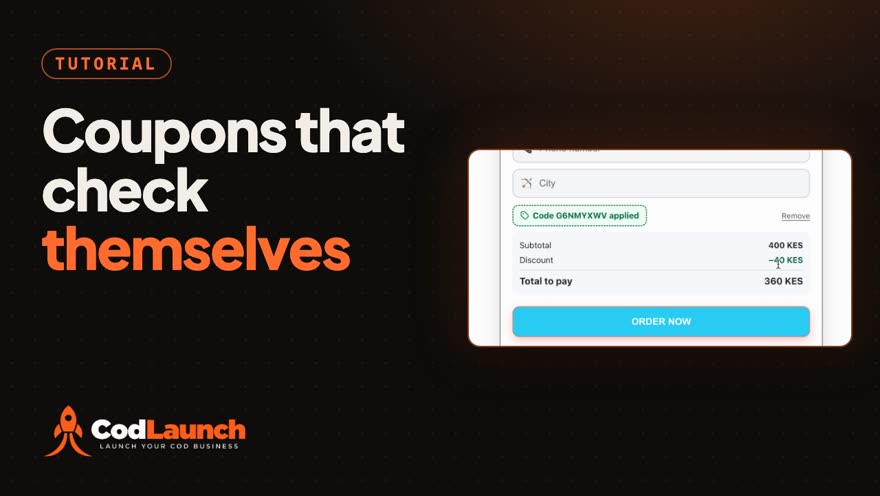
Discount Codes That Check Themselves
Set up a discount code and let the store check it for you.
 0:55
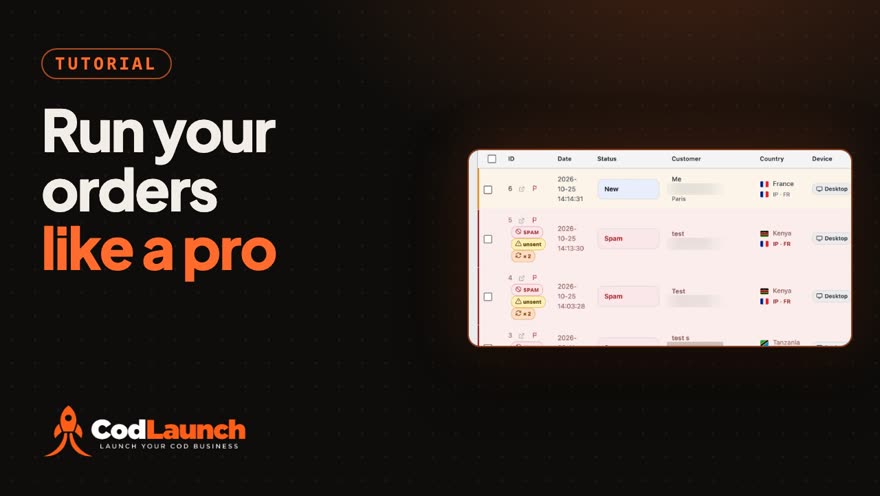
Run Your COD Orders Like a Pro: Filters, Spam Flags and Ad Sources
Every cash-on-delivery order in one list, with what you need to judge it at a glance.
 0:57
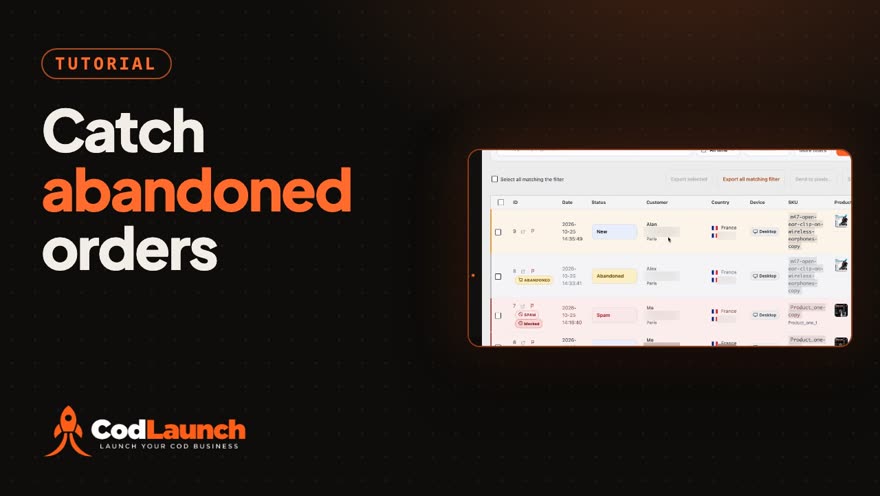
Catch Abandoned Orders Automatically
Most shoppers who type their name and phone into a cash-on-delivery form and then leave are not lost: CodLaunch keeps their details as an abandoned order you can call back.
 1:08
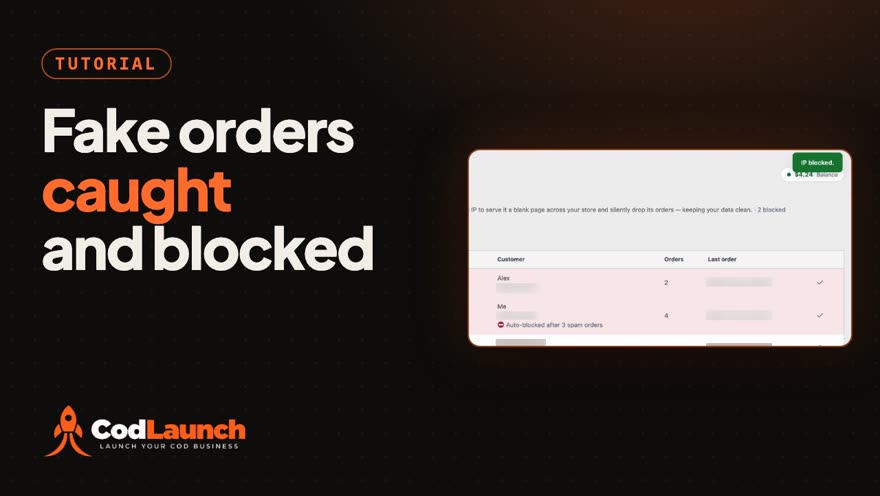
Spot and Stop Fake COD Orders: Spam Flags and IP Blocking
Fake orders cost a cash-on-delivery store calls, shipping and returns.
 0:38
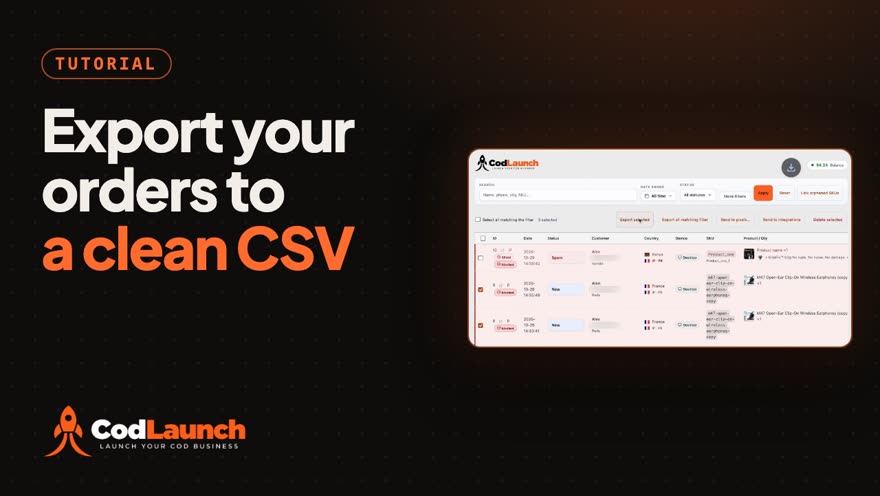
Export Orders to a Clean CSV
Get your cash-on-delivery orders out of CodLaunch and into a spreadsheet in one click.
 1:08
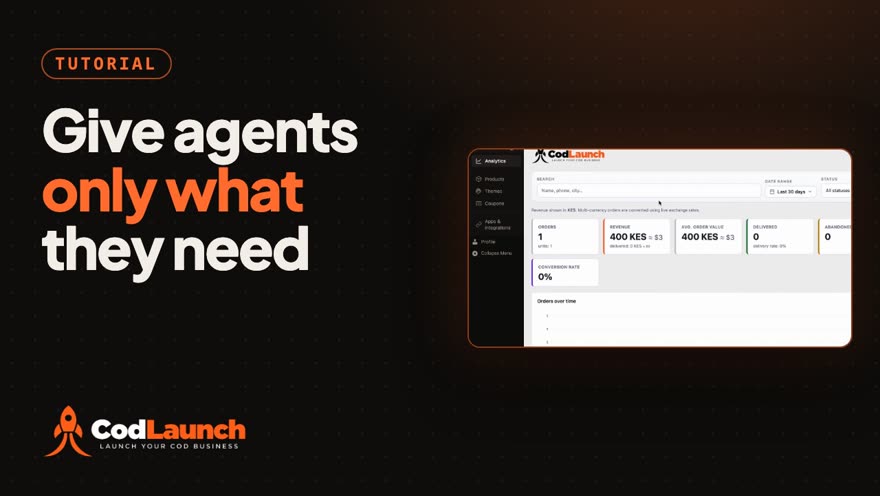
Give Agents Only What They Need: Team Roles and Permissions
A cash-on-delivery store runs on more than one person: phone agents, a media buyer, someone on support.
 1:14
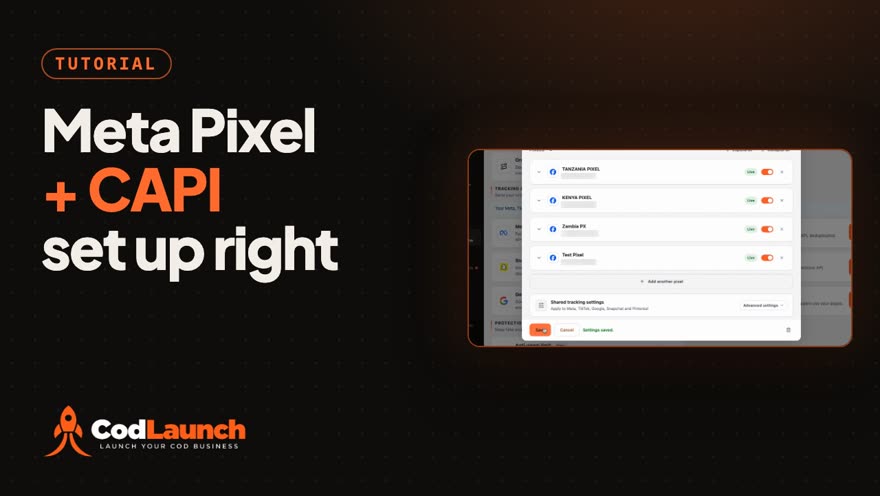
Meta Pixel + Conversions API, Set Up Right
Set up the Meta pixel and the Conversions API in one window.
 1:18
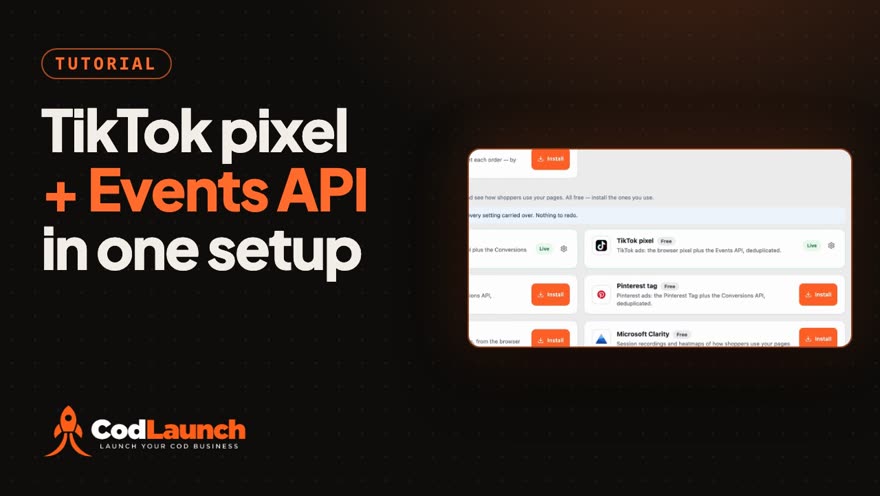
TikTok Pixel + Events API Setup
TikTok can hear about your store two ways: from the TikTok pixel in the shopper's browser, and from the Events API on your server.
 1:03
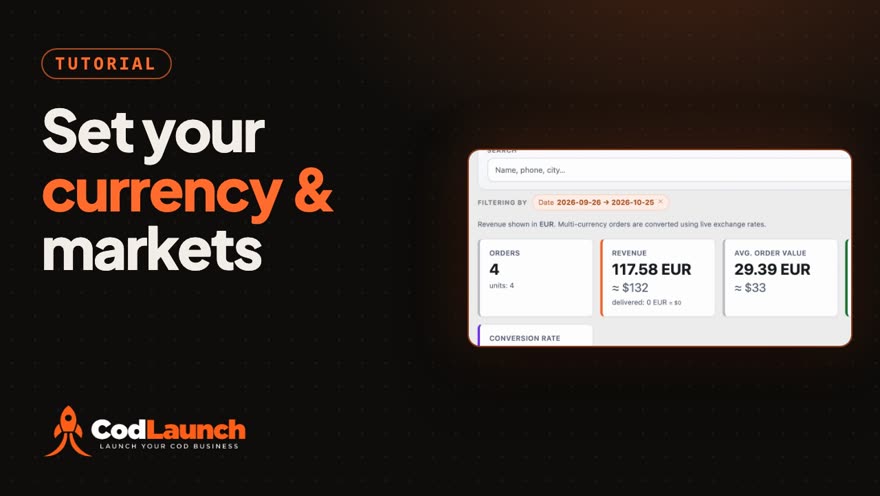
Your Currency and the Countries You Sell To
Tell CodLaunch which currency your store counts in and which countries it sells to.